Smart Email Campaign Manager: Follow-ups Based on Opens & Clicks
Key Measurable Results
Maximum time to detect a customer reply in Gmail and halt follow-ups
Tailored follow-ups for Opened, Clicked, and Unopened leads
Leads accidentally chased after they already replied
1The Problem
The client was sending the exact same follow-up email to every lead regardless of what they did with the previous message—someone who clicked a link got the same follow-up as someone who never opened it. Worse, replies were easy to miss, so leads sometimes kept getting automated follow-ups after they had already answered.
2What We Built
Built a behavior-driven email campaign manager using three coordinated n8n workflows and a Supabase lead database. Every lead gets a tailored next email based on whether they opened, clicked a link, or ignored the last message—and a 15-minute Gmail reply check immediately stops the sequence and alerts the team in Slack the moment a prospect responds.
The Tools & How We Used Them
n8n (3 Coordinated Workflows)
Separates scheduled follow-up dispatching, engagement tracking, and a 15-minute reply polling loop so sends and stops happen reliably.
Supabase Lead State Database
Tracks every lead, which step of the campaign they are on, and their latest action (Opened, Clicked a link, Not opened, or Replied) with instant updates after each event.
OpenAI Dynamic Copywriting
Generates behavior-matched follow-up templates when needed—giving link-clickers a warmer next step while non-openers get a fresh angle and subject line.
Gmail & Slack APIs
Dispatches emails and checks Gmail threads every 15 minutes for replies. As soon as a reply is detected, the lead's sequence stops and #sales gets an instant Slack alert.
How It Works — Step by Step
Architected a Supabase schema tracking lead stage, send history, open/click behavior, and reply status
Built three modular n8n workflows for scheduled sending, engagement branching, and 15-minute reply detection
Integrated OpenAI to tailor follow-up messaging for Opened vs. Clicked vs. Unopened leads
Connected Gmail API to send messages and inspect thread replies every 15 minutes
Added automatic sequence termination and #sales Slack notifications the moment a lead replies
✓The Result
Maximum time to detect a customer reply in Gmail and halt follow-ups
Tailored follow-ups for Opened, Clicked, and Unopened leads
Leads accidentally chased after they already replied
See this workflow in action
View Video Transcript
[00:00] [Upbeat instrumental music] The client was sending the exact same follow-up email to every lead regardless of what they did with the previous message—someone who clicked a link got the same follow-up as someone who never opened it. [00:03] Smart Email Campaign Manager: Follow-ups Based on Opens & Clicks. Built a behavior-driven email campaign manager using three coordinated n8n workflows and a Supabase lead database. [00:07] How it works: Architected a Supabase schema tracking lead stage, send history, open/click behavior, and reply status Built three modular n8n workflows for scheduled sending, engagement branching, and 15-minute reply detection [00:12] Measured output: 15 Mins — Maximum time to detect a customer reply in Gmail and halt follow-ups. 3 Branches — Tailored follow-ups for Opened, Clicked, and Unopened leads. [00:17] Live production build powered by n8n, Supabase, OpenAI API, Gmail API, Slack API. [00:19] [Music fades out] Delivered in 3 weeks by Alfa Analytics.
Skills & Deliverables
Project Details
Our Role
Email Automation Developer
Client
B2B Growth Team
Industry
Marketing Analytics
Delivery Timeline
3 weeks
Related Services
Need a similar system built for your team?
Book a free discovery call and we'll map out how to build this for your exact data sources and tools.
More Marketing Analytics Case Studies
View All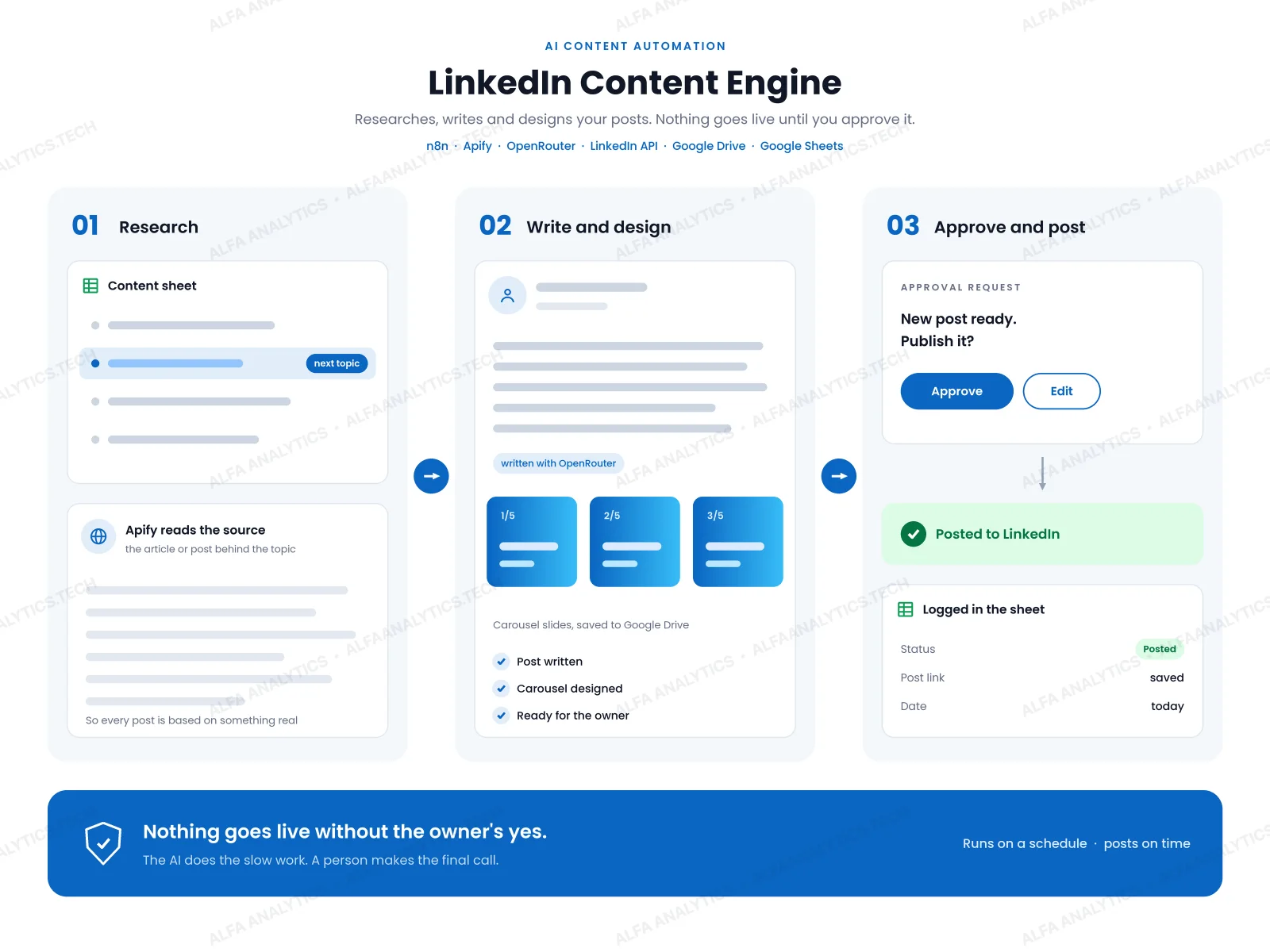 Video
AI LinkedIn Content Engine: Posts & Carousels with Owner Approval
Publishing strong LinkedIn content every day was taking the founder hours—finding a real source worth writing about, drafting the post, and designing a matching carousel. On busy days nothing went out, yet the owner still wanted 100% final approval before anything was published under their name.
View Case Study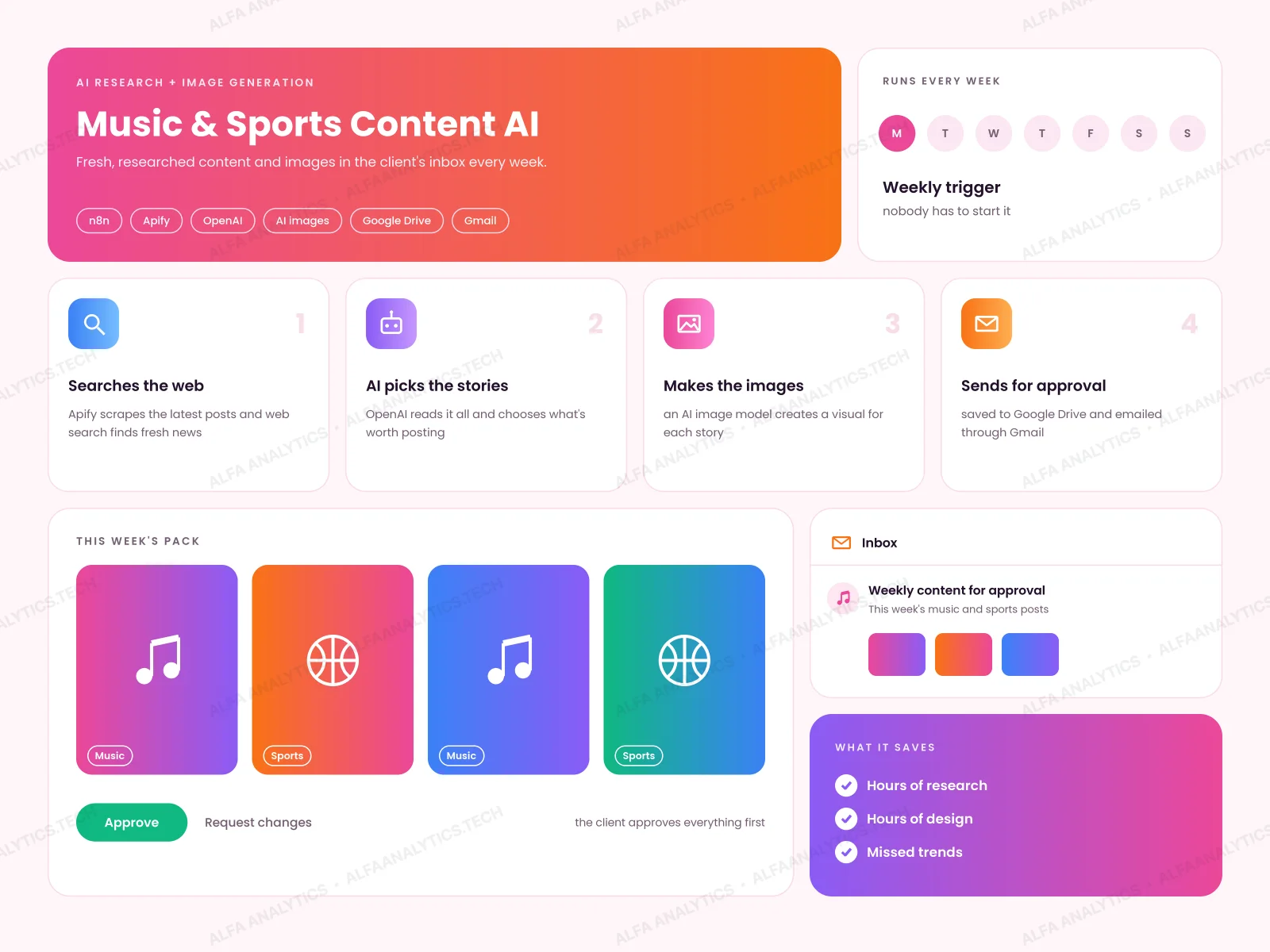 Video
AI Music & Sports Content Generator with Email Approval
The client publishes weekly music and sports content, but keeping up with breaking news, picking trending stories, writing posts, and creating visuals took hours every week—and by the time assets were finished manually, some stories were already stale.
View Case Study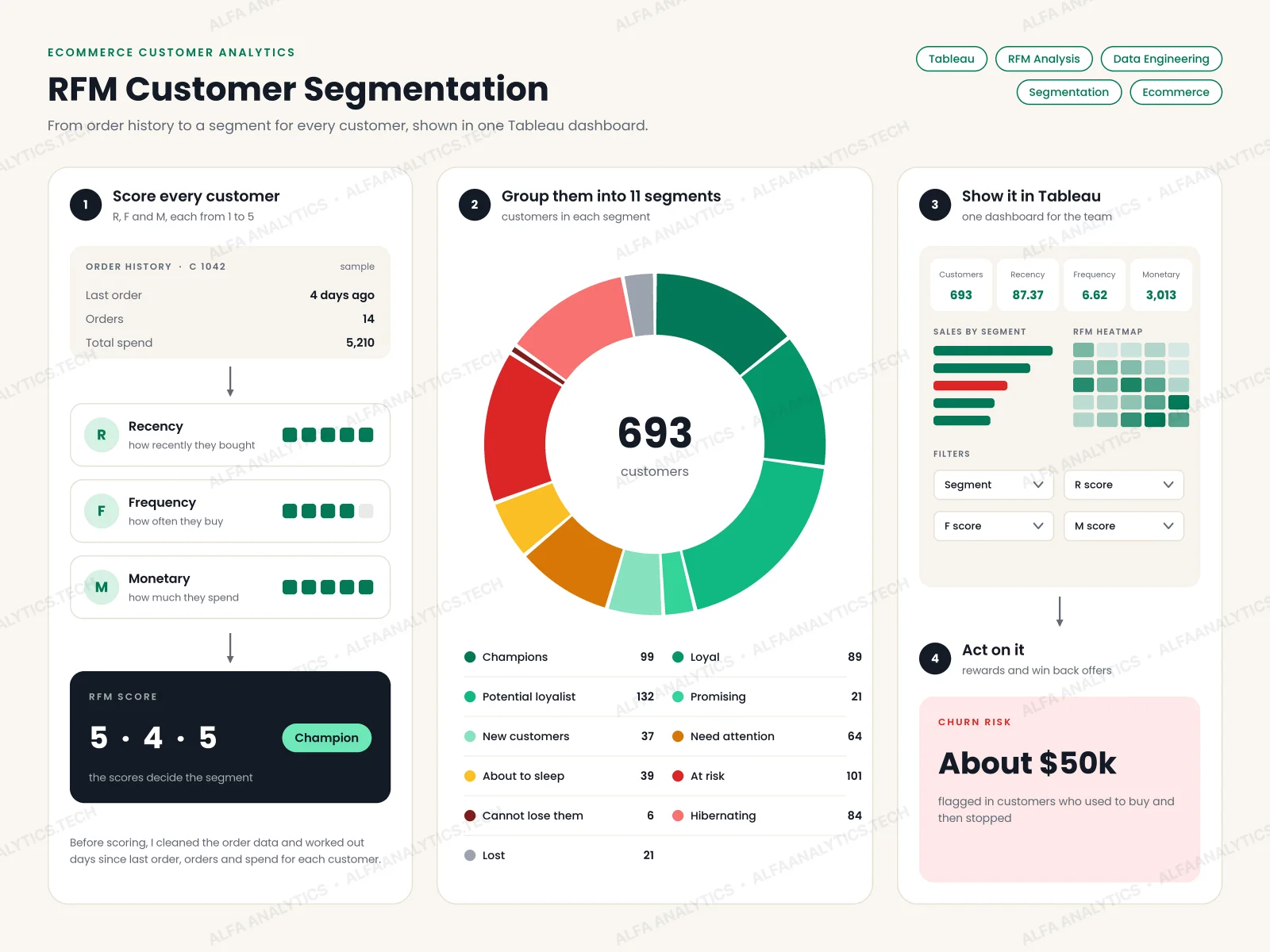 Video
Ecommerce RFM Dashboard: Identified $50k in Churn Risks
The business had 693 customers but no clear way to tell them apart. Everyone got the same emails and offers—whether they bought every week or hadn't ordered in almost a year. There was no quick way to see who the best customers were or who had stopped buying.
View Case Study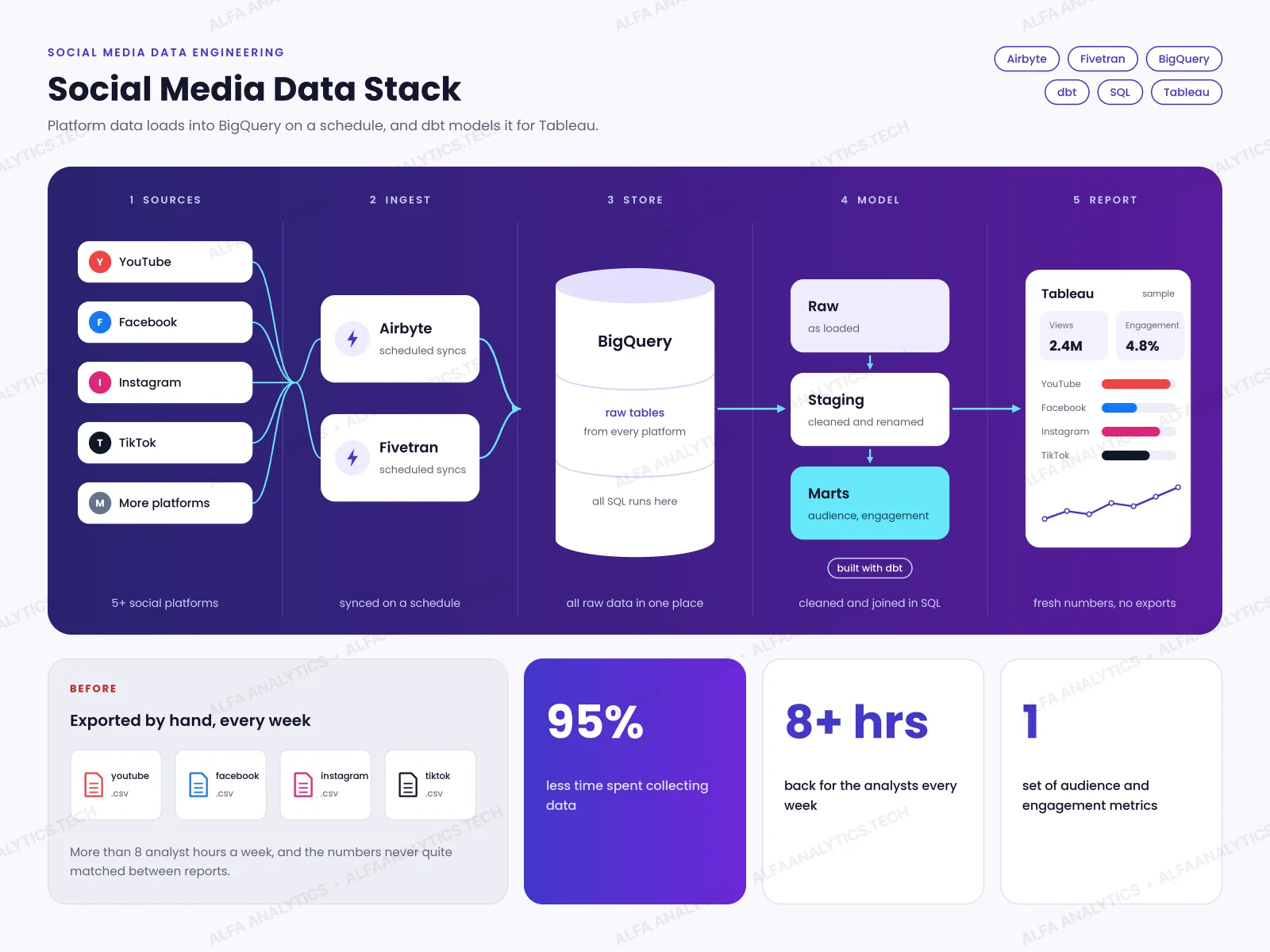 Video
Social Media Data Stack: Airbyte, Fivetran, BigQuery & dbt
The client's analysts were pulling social media data by hand every week—logging into YouTube, Facebook, Instagram, TikTok, and other platforms one by one, exporting CSVs, and pasting numbers into reports. That took 8+ hours every week, and because each platform names and counts metrics differently, reports never matched.
View Case Study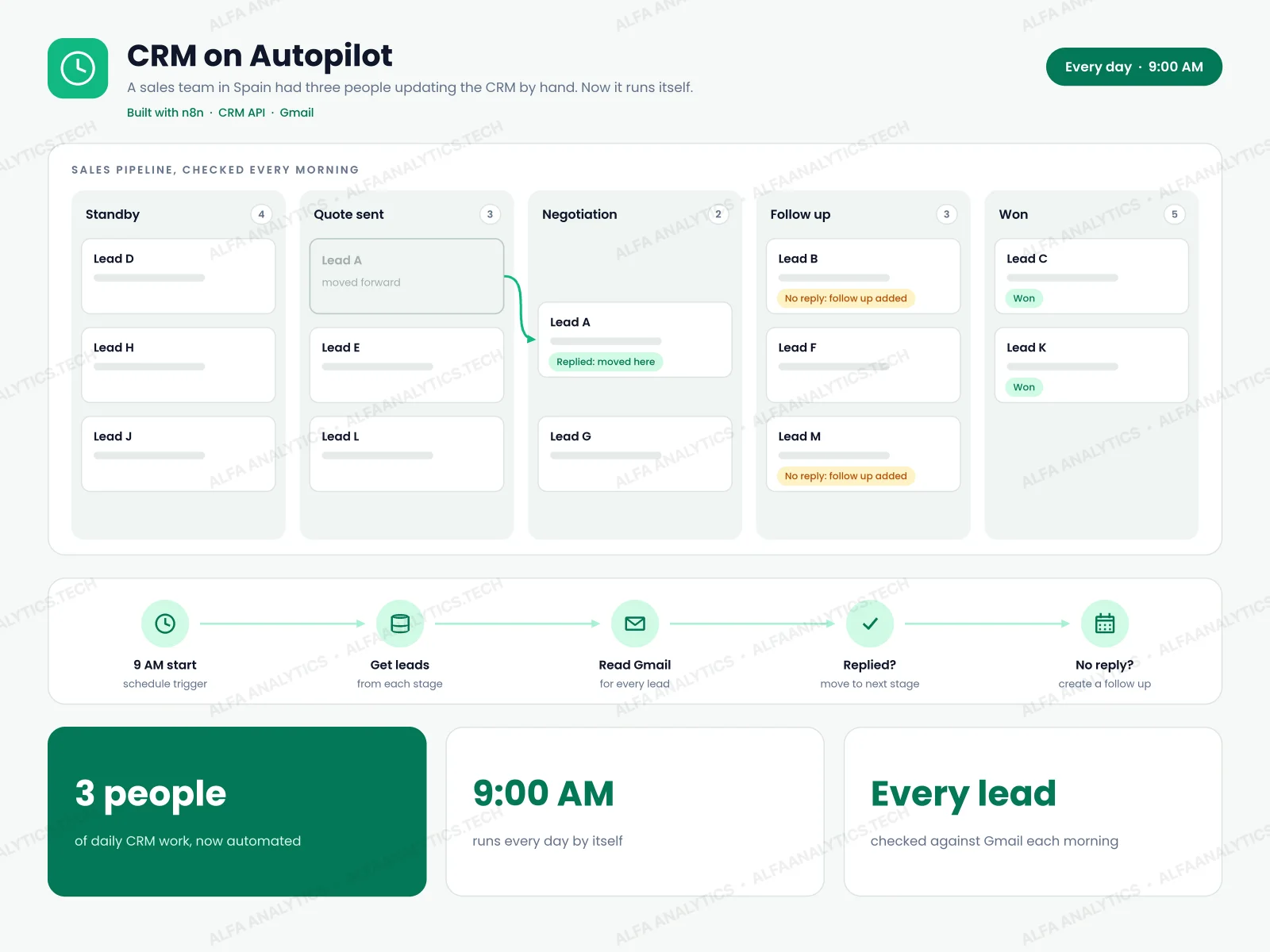 Video
CRM on Autopilot: Daily Lead Pipeline Automation
A sales team in Spain was running its entire pipeline by hand. Three people spent their days inside the CRM: checking Gmail to see who had replied, moving leads from one stage to the next, setting follow-up reminders, and fixing contact records. It was slow, error-prone, and the only way to handle more leads was to hire more people.
View Case Study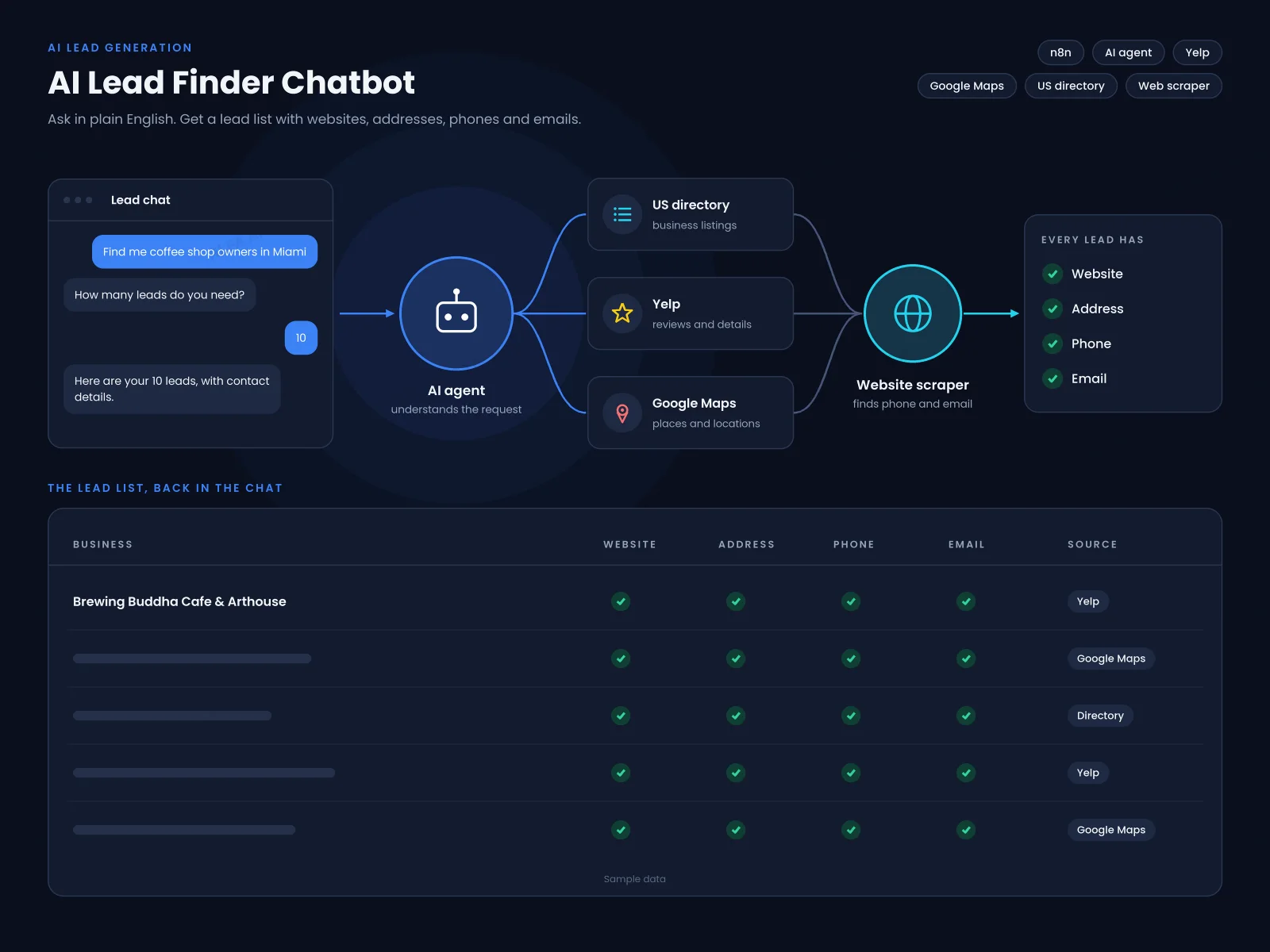 Video
AI Lead Finder Chatbot (Yelp, Google Maps & US Directories)
Building local business lead lists by hand took hours. To build a single prospect list—like coffee shop owners in Miami—someone had to search Yelp, then Google Maps, then US business directories, and manually open every business's website to hunt for an email address or phone number.
View Case Study